
Professional Audio Video Equipment: A Complete Buying Guide for Businesses
Arshad Warsi
5 November 2026
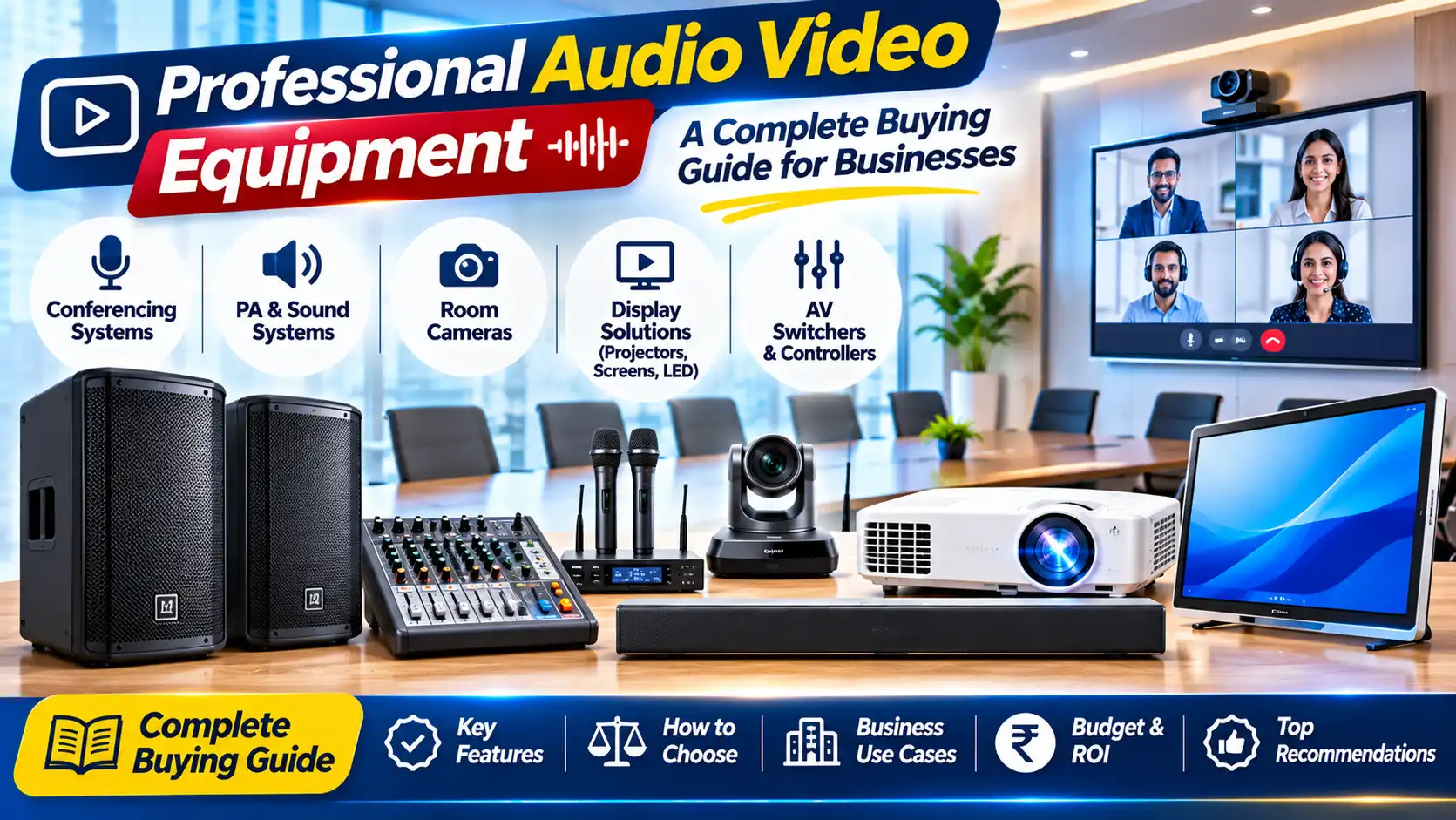
Professional Audio Video Systems: A Business Buying Guide
Introduction
A professional audio video system is successful when people can hear clearly, see the content and use the equipment without fighting with it. A room may have an expensive display and powerful speakers yet still deliver a poor experience if microphones create feedback, cables are confusing or the sound does not reach the back seats. The best AV solution is therefore not simply a collection of impressive products. It is a coordinated system designed around the room, audience and purpose.
Businesses use audio and video equipment for board meetings, training, customer presentations, announcements, events, classrooms, retail displays and remote collaboration. Each application has different priorities. A small meeting room may need a display, camera, speakerphone and simple control. A training hall may need multiple microphones, distributed speakers and a projector. A retail space may need background audio and reliable digital signage.
This guide explains the core components and the questions to ask before buying. It is intended to help business owners, facility managers, IT teams and procurement professionals create a sensible specification before requesting quotations.
Define the Purpose and Room Requirements
Start by listing the activities that will take place in the room. Will people deliver presentations, join video calls, play training videos, make public announcements or host events? Will the same system support more than one use? A flexible multipurpose room may require more inputs, microphones and control options than a room used only for presentations.
Record the room's length, width, ceiling height, seating arrangement and surface materials. Hard walls and glass can create reflections that reduce speech clarity. A long room may need distributed speakers rather than one powerful speaker at the front. A room with movable seating may need portable equipment or a flexible speaker arrangement.
Count the usual and maximum audience. Consider whether speakers and microphones must cover the whole room or only a presentation area. Identify existing infrastructure such as network ports, electrical outlets, ceiling mounts, conduits and display locations. A site survey can reveal constraints before products are selected.
The Main Components of an AV System
A typical business AV setup may include a display or projector, speakers, amplifier, microphones, camera, video conferencing unit, signal switcher, cables and control interface. Not every room needs every component. A small huddle room may use an all-in-one video bar, while a larger venue may require separate processing, amplification and speaker zones.
The display or projector presents visual information. Speakers reproduce sound. An amplifier provides the power required by passive speakers. Microphones capture speech. A camera captures participants or presenters. A switcher or processor routes and manages signals from different sources. The control system makes it easier to select inputs, adjust volume and start a meeting.
Compatibility is essential. Confirm the audio outputs, video inputs, supported resolutions, network requirements, mounting options and control methods of each component. A list of products that look suitable individually does not guarantee that they will work together as a system.
Choosing Speakers for a Business Space
Speaker selection depends on room size, coverage, speech or music requirements, mounting options and amplifier compatibility. Ceiling speakers can create a discreet, distributed sound field in offices, retail environments and classrooms. Wall-mounted speakers may suit meeting rooms and halls. Portable or powered speakers can work for temporary events and presentations.
For speech, even coverage and intelligibility are usually more important than maximum loudness. A single speaker at the front may sound loud to people nearby and weak to those at the back. Multiple correctly placed speakers can provide more consistent coverage. However, their timing and level must be configured properly to avoid echo or uneven sound.
Check whether speakers are passive or active. Passive speakers require a compatible external amplifier. Active speakers contain their own amplification and need suitable power and signal connections. Review nominal impedance, power handling, sensitivity and the manufacturer's recommended amplifier range. Do not select an amplifier based only on a large wattage number; the complete system must be matched correctly.
Amplifiers and Power Matching
An amplifier drives passive speakers and should be selected to match the speaker system and intended use. Relevant specifications include output power at the stated impedance, number of channels, supported speaker loads, inputs, outputs, protection features and cooling. Some commercial installations use 100-volt line systems for multiple distributed speakers over longer cable runs. These systems require compatible amplifiers, transformers and installation practices.
Commercial amplifier listings sometimes highlight peak or marketing power figures. Compare continuous or RMS ratings and check the conditions under which they are specified. Ensure that the speaker load is within the amplifier's permitted range. Incorrect wiring or an unsuitable load can cause overheating, distortion or equipment failure.
A qualified AV installer should design larger or multi-zone systems. The installer can calculate speaker loads, cable requirements, zone controls and suitable power headroom. This is particularly important for auditoriums, schools, places of worship and large commercial premises.
Microphones and Speech Clarity
Microphone choice depends on who is speaking and how they move. A handheld microphone is flexible for events and question-and-answer sessions. A lapel microphone keeps the speaker's hands free. A headset microphone can maintain a consistent distance from the mouth. A boundary or gooseneck microphone may suit a conference table. Wireless systems add freedom of movement but require frequency planning, battery management and attention to local regulations.
Microphone placement affects sound quality. Keep microphones at the recommended distance and avoid pointing them toward loudspeakers. Feedback occurs when sound from a speaker re-enters a microphone and is amplified again. Good placement, appropriate gain, speaker positioning and acoustic treatment help reduce the risk.
For video meetings, a microphone array or speakerphone may be more practical than a traditional stage microphone. Check pickup range, echo cancellation, noise reduction and compatibility with the meeting platform. Test with the actual room and number of participants rather than relying only on a coverage figure.
Displays, Projectors and Video Sources
Choose a display or projector according to viewing distance, ambient light, image size and content. A flat-panel display may be convenient in a smaller room with controlled seating. A projector can provide a larger image for classrooms, training halls and auditoriums. In either case, consider resolution, brightness, aspect ratio, input connections and mounting.
List the devices that users will connect: laptops, desktop PCs, document cameras, media players and conferencing systems. Check whether the room needs HDMI, USB-C, wireless presentation or network-based video. Verify cable lengths and supported resolutions. Long cable runs may need suitable extenders or signal distribution equipment.
For a video conferencing room, camera placement should show participants naturally. Consider whether the camera needs pan, tilt and zoom, automatic framing or a wide field of view. Confirm compatibility with the conferencing software and whether users can connect their own devices easily.
Video Conferencing and Hybrid Meetings
Hybrid meetings require both local and remote participants to hear and see each other. The system should capture voices around the room, reproduce remote voices clearly and show the relevant participants or presentation content. Camera framing, microphone coverage, loudspeaker placement and echo cancellation all contribute to the experience.
Before buying, confirm the platform used by the organisation and the device certification or compatibility requirements. Check how users join meetings, share content and switch between personal and room devices. A simple one-touch workflow is valuable because meeting participants may not be AV specialists.
Network quality matters. Confirm wired or wireless connectivity, bandwidth, firewall requirements and security policies with the IT team. Test the system with real meetings, including participants at different seats and people speaking at normal volume. A room that works only when everyone sits close to the microphone is not ready for everyday use.
Cabling, Connectivity and Control
AV systems may use HDMI, USB, audio connectors, Ethernet, wireless links and control cables. Select the correct cable type and length for the installation. Avoid running signal cables in ways that create trip hazards or interfere with electrical wiring. For permanent installations, label both ends of cables and document the connection layout.
A control interface can simplify a system with multiple sources and zones. It might provide basic controls for power, volume, input selection and screen operation. The best interface is one users can understand quickly. Avoid unnecessary complexity and provide a simple operating guide near the equipment.
Explore professional audio video equipment and solutions at Emerging Solutions.
Equipping your office, school or institution?
Emerging Solutions is an authorized enterprise partner for HP, Canon, Epson, and BenQ in Gurugram and Delhi NCR. Get institutional pricing, GST tax invoices, and complete on-site deployment.
Related Hardware Guides & Insights
Hand-picked procurement advisories for commercial buyers.