

Best Printer for Office Use in India: A Practical Guide for Businesses
Arshad Warsi
19 November 2026
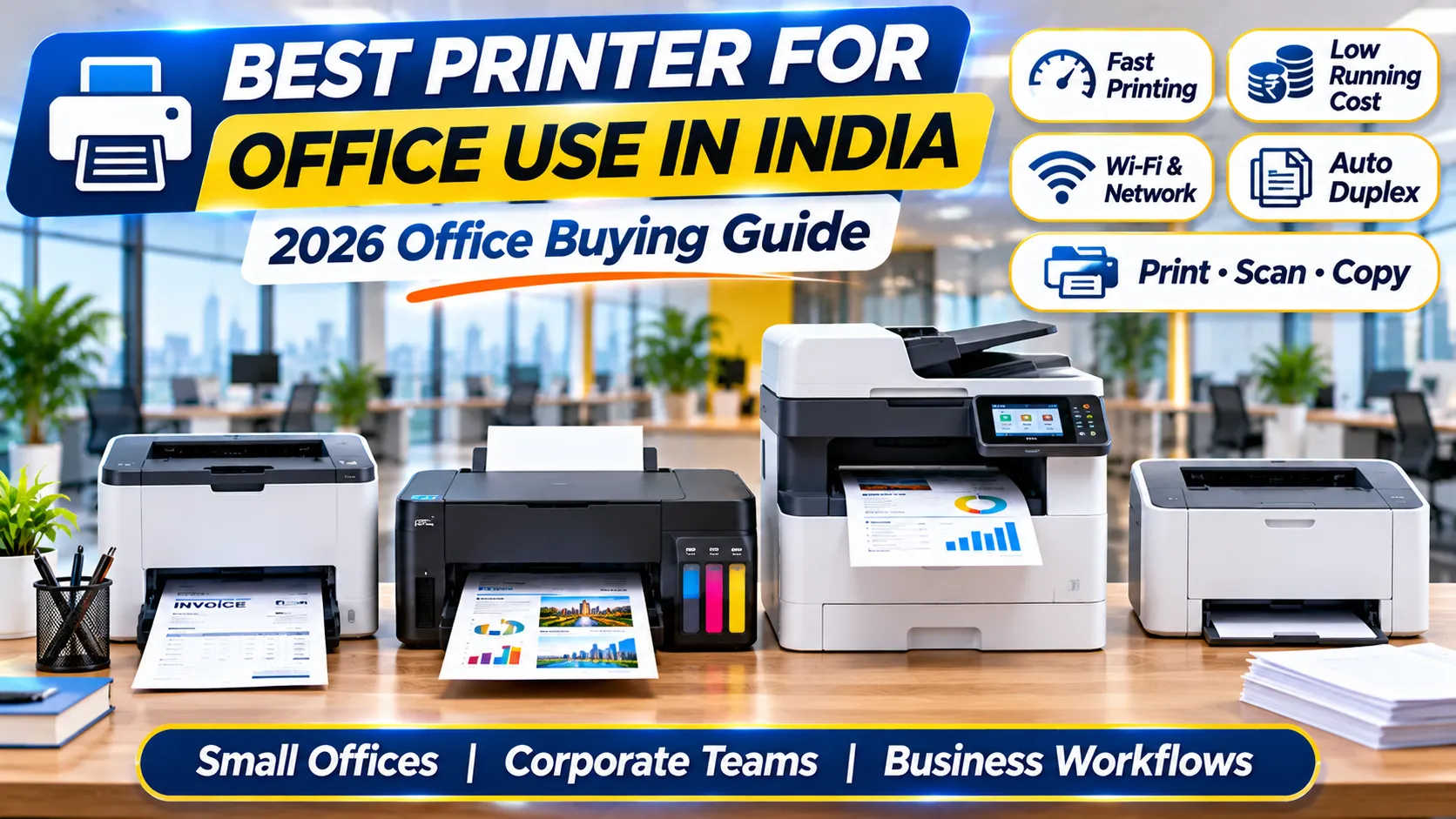
Choosing an office printer is a workflow decision, not simply a price comparison. An office may print invoices, quotations, dispatch notes, reports, forms and customer documents every day. The right device should suit the volume, document type, number of users and support available to the business. Google Search Console data for Emerging Solutions shows demand around “best printer for office use” (229 impressions), “printer for office use” (91), and “best printer for shop use” (34) in the supplied report. These figures indicate search visibility, not guaranteed sales or ranking outcomes.
This guide is intended to help a business make a practical shortlist. It is not a substitute for the manufacturer’s manual, formal compliance advice or a site assessment where one is required. Product details should always be checked against the exact model being quoted.
1. Begin with the work the printer must do
List the documents printed in a normal week: invoices, purchase orders, letters, stock sheets, reports and forms. Estimate pages across all employees rather than guessing from one workstation. Include month-end peaks and seasonal workloads. A device that handles a quiet week may struggle during billing or dispatch rushes.
Separate black-and-white pages from colour pages. If colour is only occasional, a monochrome device may be more straightforward. If product sheets, charts or presentations are printed frequently, compare colour options and their genuine supply costs. Also note whether paper is A4 only or includes other sizes.
2. Laser, ink tank or multifunction: understand the difference
A monochrome laser printer is often shortlisted for text-heavy work. It uses toner and can be a sensible fit when the office prints forms, invoices and reports without colour. Compare the exact model’s monthly recommended volume, speed, duplex capability, network options and toner availability. Do not assume that every laser model includes Wi-Fi or automatic two-sided printing.
Ink tank printers use refillable ink reservoirs and can suit regular colour printing. Their economics depend on actual coverage, print frequency, genuine ink cost and maintenance. A multifunction printer combines functions such as printing, scanning and copying; it may use laser or inkjet technology. Compare technology and functions separately instead of treating “all-in-one” as a printing technology.
3. Check the features that affect daily work
Connectivity matters when several people share one device. USB may be enough for one computer, while Wi-Fi or Ethernet can help a team share a printer. Check compatibility with the office network and operating systems before purchase. Mobile printing should be treated as a model-specific feature and may require an app or network setup.
Automatic duplex printing can reduce paper use for suitable two-sided documents. An automatic document feeder can make scanning or copying a stack of pages easier. Check whether the feeder supports the type of scanning your team needs, including duplex scanning if required. Review tray capacity, supported media and the physical footprint too.
4. Calculate the running cost honestly
Do not compare printers only by their purchase prices. Record the genuine toner or ink reference, manufacturer-stated yield and current supply price. A basic estimated supply cost per page is supply price divided by stated yield, but actual yield changes with page coverage, settings, maintenance and document mix. For colour devices, account for colour supplies separately.
Include paper, maintenance items, service access and the time employees spend resolving jams or connection issues. A low purchase price may not be economical if supplies are difficult to obtain or the device is unsuitable for the workload. Ask the seller to confirm the exact model and consumable references in writing.
5. Choose by business type
A small shop may mainly need invoices, stock sheets and customer receipts. Confirm compatibility with its billing workflow and whether a compact monochrome printer is sufficient. A multi-person office should prioritise shared connectivity, adequate paper handling and a monthly workload with headroom. A clinic or professional office may value scanning, document handling and controlled printer placement.
A school or training centre may print worksheets and notices in batches, so tray capacity and service arrangements deserve attention. A commercial department with heavier volume should check the manufacturer’s recommended monthly volume and support options. No one printer is best for every setting; the workload should determine the shortlist.
7. Build a specification comparison before requesting a quote
Create a simple comparison sheet for best printer for office use. Include the exact model, the official manufacturer datasheet, intended application, required capacity, compatibility, included accessories, warranty and service arrangements. Record which details are confirmed and which still need a supplier response. This prevents a broad product description from being mistaken for a verified specification. For every shortlisted option, use the same questions and compare like with like. If one supplier quotes a device with an accessory and another quotes the base unit, make that difference visible before comparing prices.
8. Plan installation and staff readiness
Consider where the equipment will be placed, who will install it and who will use it each day. Check power, network, space, ventilation, access for maintenance and any safety requirements. Prepare a short operating guide for staff that covers normal startup, shutdown, consumable replacement, fault reporting and the support contact. A well-planned installation reduces avoidable interruptions and makes it easier to identify whether a problem is caused by the device, the connection or the surrounding workflow.
9. Evaluate support over the full product life
Purchase price is only one part of ownership. Ask how warranty claims are raised, where service is available, which consumables are genuine, how long common parts take to obtain and whether preventive maintenance is recommended. Keep the invoice, serial number, manuals and service history. If the device is essential to operations, decide what the team will do during downtime. A support plan is particularly important when the equipment is used daily or when a failure interrupts customer service.
10. Use a controlled acceptance test
Before accepting a new best printer for office use solution, test it in the environment where it will actually be used. Use representative documents, content, users or operating conditions. Confirm that the required tasks can be completed, output is acceptable, connections remain stable and staff understand the basic process. Record any limitation and obtain written clarification for unresolved points. Acceptance testing is more useful than relying only on a demonstration prepared by the seller.
11. Keep product claims accurate and current
Product specifications, prices, availability, accessories and warranty terms can change. Before publishing a product comparison or issuing a quotation, recheck the manufacturer’s current documentation and the seller’s live listing. Avoid copying unverified claims from marketplace descriptions. Where a detail is unknown, say that it needs confirmation rather than filling the gap with an assumption. This protects buyers and keeps the information on the website trustworthy.
How to compare shortlisted options fairly
When comparing options for best printer for office use, make sure each supplier is quoting the same scope. One offer may include installation, accessories or training while another may list only the base equipment. Put the model number, included items, delivery, setup, warranty and service terms into separate columns. Mark each point as confirmed, not included or awaiting clarification. This simple discipline prevents a low headline price from hiding costs that appear after the order is placed.
Use the manufacturer’s documentation as the reference for technical details. A marketplace title, short product description or verbal assurance may omit important limitations. Save the relevant datasheet with the purchase record and check that the model number on the quotation matches it. If the seller describes a feature differently from the manufacturer, ask for written clarification before relying on that feature in your workflow.
Think about the people who will use the equipment, not only the person approving the purchase. Ask one or two regular users to review the proposed workflow and identify practical issues such as loading, setup, adjustment, file handling, cleaning or changing consumables. Their feedback can reveal whether a feature is genuinely useful and whether the equipment will fit the day-to-day routine.
Set a realistic acceptance test before delivery. Define what a successful setup looks like, which tasks must work, what documents or devices will be tested and who will sign off. Keep a record of any limitation or outstanding item. If a requirement is essential, do not treat it as accepted until it has been demonstrated on the supplied model in the intended environment.
Finally, schedule a review after the equipment has been used for a few weeks. Check whether it is meeting the expected workload, whether staff need additional training and whether operating costs match the estimate. Record recurring faults or delays and raise them through the supplier’s support process. A short review helps the organisation improve future procurement decisions using actual experience rather than assumptions.
Questions to resolve before placing the order
Ask what happens if the selected best printer for office use option is unavailable after the order is raised. Confirm whether an alternative model would be proposed and whether you would have the opportunity to approve any change. Similar names do not mean equivalent specifications. The purchase order should identify the exact model and any agreed accessories so that receiving staff can compare the delivered equipment with the approved requirement.
Confirm the delivery and installation responsibilities. Clarify whether the supplier will deliver to the final room, unpack the equipment, assemble stands or mounts, configure connections and demonstrate normal operation. If these activities are excluded, arrange them before the delivery date. Also identify who will inspect the package for transit damage and how any discrepancy should be reported.
Keep a copy of the final quotation, datasheet, warranty terms, invoice and acceptance record together. Give the operating team a clear contact for faults and a simple way to report issues. These records are useful for warranty claims, future upgrades and repeat purchases. A documented process is especially valuable when the original buyer or administrator is no longer responsible for the equipment.
Practical buyer checklist
- Write down the actual task and expected daily or monthly volume.
- Confirm the exact model number and request the manufacturer’s official datasheet.
- Check dimensions, compatibility, connections and installation requirements.
- Verify all accessories and consumables included in the quotation.
- Compare the total cost of ownership, not only the purchase price.
- Confirm warranty coverage, service location and support response process.
- Train the staff who will operate the equipment and document basic procedures.
- Test the device with representative real-world tasks before full deployment.
Frequently asked questions
How do I choose a printer for a small business?
Estimate monthly pages, decide whether colour is required, count users and check whether scanning is needed. Compare genuine supply costs, connectivity, paper handling, warranty and local service support.
Is a laser printer always cheaper than an ink tank printer?
No. The better option depends on print volume, colour mix, supply prices, maintenance and actual page coverage. Compare the exact models and genuine consumables.
Should an office printer have Wi-Fi?
Wi-Fi can help multiple authorised users print from supported devices. Ethernet or USB may be more appropriate in some setups. Choose based on the network and security requirements.
Explore relevant solutions at Emerging Solutions
Use the relevant product and category pages on Emerging Solutions to review available options. Compare the exact model and ask for confirmation of current price, stock, specifications, included accessories, warranty and service support before ordering.
Hp Laser Printer 1008W Buy Now
Hp Mfp Printer Best Offers and Discout on on Emerging Solutions
When requesting a recommendation, share the application, expected workload, installation location, must-have features and budget. This makes it easier to identify a suitable product without paying for unnecessary features.
Final thoughts
A good business purchase is one that solves a defined operational problem, works with the organisation’s existing process and remains supportable over time. Use the checklist, verify claims and test the shortlisted option before committing. Revisit the choice when the workload or operating environment changes.
Equipping your office, school or institution?
Emerging Solutions is an authorized enterprise partner for HP, Canon, Epson, and BenQ in Gurugram and Delhi NCR. Get institutional pricing, GST tax invoices, and complete on-site deployment.
Related Hardware Guides & Insights
Hand-picked procurement advisories for commercial buyers.