Best Document and Barcode Scanners for Business: A Complete Buying Guide
Arshad Warsi
5 November 2026
"A Complete Buying Guide- Document and Barcode Scanners for Business"
How to Choose the Best Scanner for Business: A Complete Buying Guide
Introduction
A scanner helps a business turn paper records into searchable, shareable digital information. The right device can reduce manual handling, support record keeping and make documents easier to retrieve. The wrong scanner can create jams, slow down staff or produce files that are difficult to read. Since the word scanner covers several different technologies, buyers should first identify the task they need to perform.
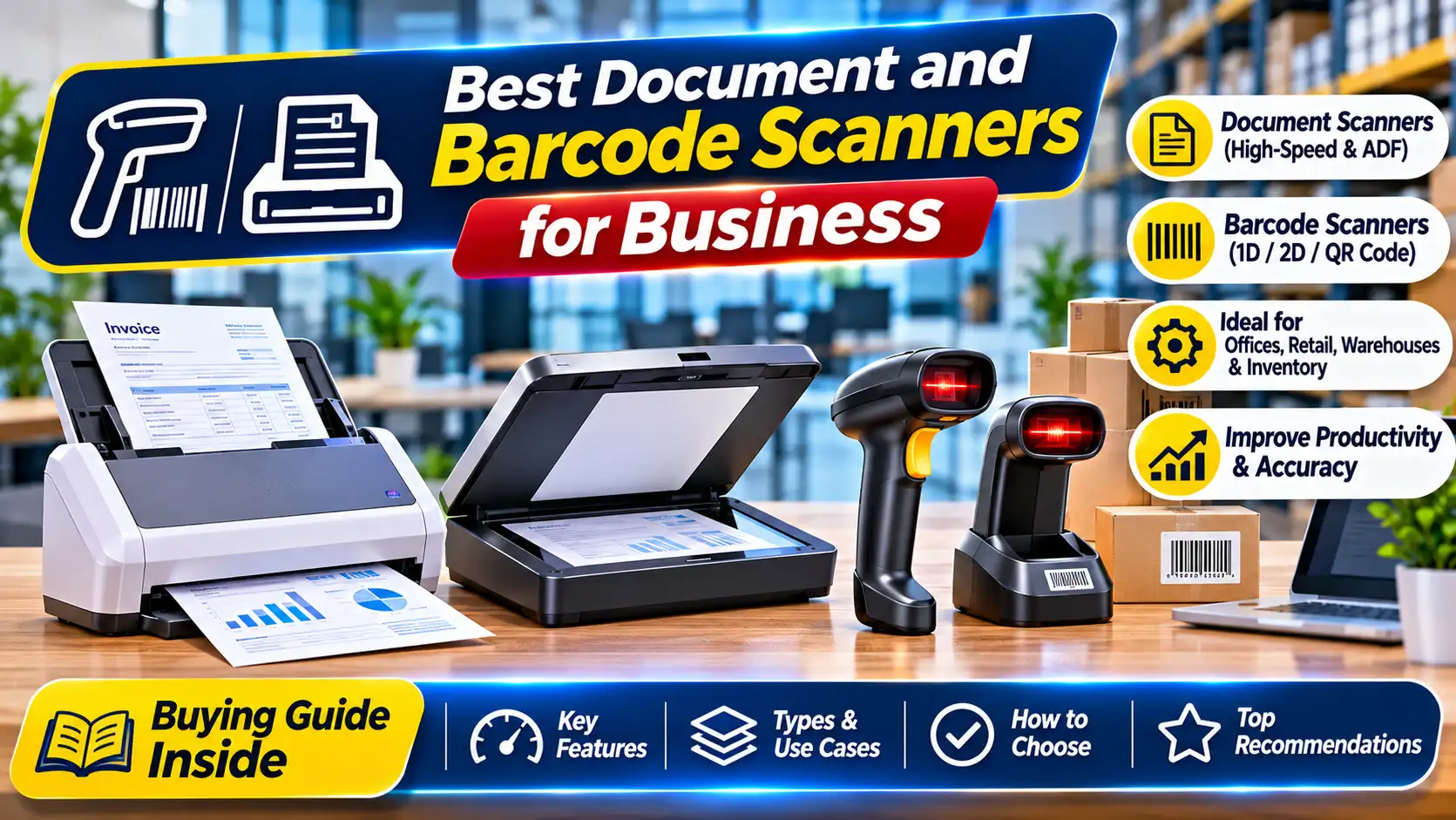
A document scanner is designed to capture pages such as invoices, forms, contracts and identity documents. A flatbed scanner is useful for books, fragile originals and objects that should not pass through rollers. A barcode scanner reads encoded product or asset information and sends it to a computer or point-of-sale system. These devices are not interchangeable.
This guide explains how to select a scanner for offices, retail counters, warehouses, clinics, schools and other businesses. It covers scanner types, speed, resolution, duplexing, document feeders, barcode formats, connectivity, software, security and maintenance. Use it to create a practical shortlist based on your workflow.
1. Identify What You Need to Scan
Start with the objects and information the device must capture. If staff scan loose sheets in batches, a sheet-fed document scanner with an automatic document feeder may be appropriate. If they scan books, passports, bound records or delicate papers, a flatbed scanner may be safer. If employees need to capture product codes at checkout or during stocktaking, a barcode scanner is the relevant device.
Estimate the daily and peak number of pages or scans. Identify paper sizes, thickness, condition and whether documents are single-sided or double-sided. Note whether colour is required, whether images must be high resolution and whether the output must be searchable through OCR. For barcode work, list the barcode symbologies used on products, labels or assets.
A clear workflow description prevents a common purchasing mistake: buying a high-specification device that does not handle the actual document or code format used by the business.
2. Flatbed, Sheet-Fed and Portable Document Scanners
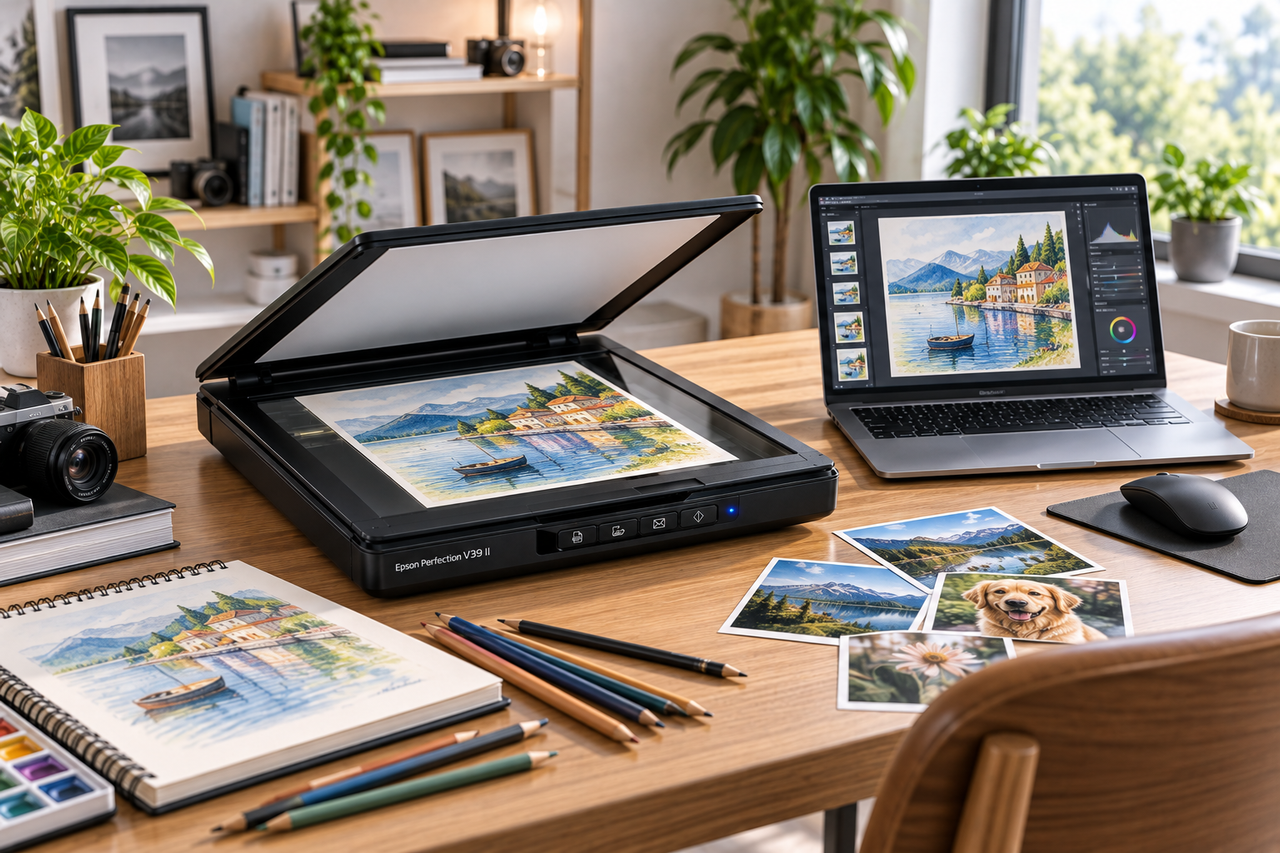
A flatbed scanner has a glass surface on which the original is placed. It is suitable for books, photographs, identity documents and fragile or irregular materials. The operator positions each item manually, so it may be slower for large batches of loose paper. A flatbed is often useful as a general-purpose device where document condition varies.
A sheet-fed scanner pulls pages through a mechanism. Models with an automatic document feeder can process multiple sheets in sequence, making them useful for offices that digitise invoices, forms and correspondence. Check the feeder capacity, supported paper weight, maximum document size and ability to handle mixed batches. Some models support duplex scanning, capturing both sides in one pass.
Portable scanners can be useful for field staff or people who scan documents away from a central office. Their speed, paper handling and software features vary. Consider power requirements, connection method, packed size and whether the device can handle the volume expected in daily use.
3. Barcode Scanners: 1D and 2D Codes
Barcode scanners are designed to read encoded data from printed or displayed codes. One-dimensional barcodes use a series of lines and spaces, while two-dimensional codes such as QR codes and Data Matrix store information in a two-dimensional pattern. Not every scanner reads every code type, so confirm the formats used in your operation.
A laser scanner may be suitable for certain linear barcode applications, while image-based scanners can read a broader range of 1D and 2D codes depending on the model. Check whether the scanner can read codes from phone screens, damaged labels or curved surfaces if those situations occur in your workflow. Working distance and scanning angle also matter.
For retail, warehouse and asset-management use, consider the scanning volume, trigger design, cable length, stand, durability and interface. A handheld scanner may suit counter work, while a presentation scanner can support hands-free checkout. Rugged models may be appropriate for industrial environments, subject to their stated protection ratings.
4. Speed, Resolution and Image Quality
Document scanner speed is often stated in pages per minute or images per minute. A duplex scanner can capture two sides of a sheet, so images per minute may be higher than pages per minute. Check the test conditions and whether the speed applies at the resolution and colour mode you plan to use. Real performance is affected by paper condition, file format, computer processing and software settings.
Optical resolution is more meaningful than interpolated resolution for evaluating the detail captured by the scanner. Higher resolution can be useful for photographs, fine print or archival work, but it creates larger files and may reduce speed. For ordinary business records, a moderate resolution may be sufficient. For OCR, clean, correctly aligned text is often more useful than simply choosing the highest available setting.
Test representative documents where possible. Include faint print, small text, coloured forms and pages with stamps or handwritten notes. Confirm that the scanner captures the information your business needs.
5. Automatic Document Feeders and Duplex Scanning
An automatic document feeder can save time by processing a stack of loose pages. Compare its capacity with the typical batch size. A feeder that is too small may require repeated loading, while a large capacity is not valuable if the office only scans a few pages at a time.
Duplex scanning captures both sides of a sheet. It is useful for contracts, application forms and records where information may appear on the reverse. Some scanners capture both sides in one pass; others use a different mechanism. Confirm the exact method and speed.
Paper handling is important. Check whether the scanner supports mixed sizes, long documents, plastic cards or thin originals. Follow the manual for staples, folded pages and damaged paper. Removing staples and preparing documents properly can reduce jams and protect the originals.
6. OCR, File Formats and Document Workflow
Optical character recognition converts text in a scanned image into machine-readable text. OCR can make documents searchable and support workflows such as indexing or data extraction. Accuracy depends on print quality, language, layout and software. Handwriting, stamps, low contrast and complex tables can be more difficult to recognise.
Check which software is included and whether it supports searchable PDF, PDF/A, TIFF, JPEG or other formats your organisation needs. Consider batch naming, automatic file separation, blank-page removal, barcode-based indexing and destination routing. These features can save staff time when configured correctly.
A scanner should fit the document-management system already used by the business. Confirm compatibility with Windows or macOS versions, network folders, cloud platforms and business applications. If scans contain sensitive information, review access controls, encryption, retention and the destination of temporary files.
7. Connectivity and Integration
USB is common for a scanner connected to one workstation. Network connectivity can allow multiple authorised employees to use a shared device or send scans to designated folders. Wi-Fi may be convenient in some environments, but a wired connection can be more predictable for high-volume office workflows.
For barcode scanners, common connection methods include USB, Bluetooth and wireless receivers. Check whether the device behaves as a keyboard input, uses a serial interface or requires a software development kit. This matters when integrating with inventory, billing or point-of-sale software. Confirm the scanner's supported interface with the application provider before purchase.
Test the complete workflow: scan or read the item, transfer the data, validate the result and save it to the correct record. A device that reads a code but cannot integrate with the business application may create more manual work rather than less.
8. Choosing for Different Business Environments
A small office may need a compact flatbed or sheet-fed scanner for occasional records. An accounts department may benefit from an automatic document feeder and duplex scanning to process invoices and forms. A retail store may need a reliable 2D barcode scanner that works with its billing system. A warehouse may require a rugged handheld scanner with a suitable wireless range and battery life.
A clinic or professional practice may scan identity documents, forms and records. Privacy, user permissions and secure storage should be considered from the beginning. A school may need to digitise administrative documents, certificates and teaching materials. A library or archive may require a flatbed or specialist book-scanning solution that protects originals.
The best choice depends on daily volume, document type, environment and software. Avoid assuming that the most expensive model is automatically the best fit.
9. Security, Privacy and Record Management
Scanned files can contain personal, financial, health or commercial information. Decide who can use the scanner, where files are stored and who can access them. Avoid sending confidential scans to personal email accounts or unmanaged cloud locations. Apply the organisation's retention policy and delete temporary files where appropriate.
For network scanners, change default credentials, update firmware and restrict administrative access. Check whether the device stores copies of scanned documents and how those copies are removed. Ensure that staff understand file naming and destination rules. A secure process is as important as the hardware itself.
10. Maintenance and Troubleshooting
Clean the glass, rollers and feed path according to the manufacturer's instructions. Dust, adhesive residue and paper fibres can affect image quality or cause feeding problems. Use approved cleaning materials and avoid liquids that may damage the device. For barcode scanners, clean the scan window gently and inspect cables, triggers and charging contacts.
If a document scanner produces streaks, first check whether the glass or scan strip is dirty. If pages feed unevenly, inspect the rollers and confirm that paper is prepared correctly. For barcode scanners, check the configured code types, interface mode and host application. Use the manual and authorised service support for faults that cannot be resolved through routine care.
11. Questions to Ask Before Buying
Ask for the exact model number, scanner type, optical resolution, speed, supported media, feeder capacity and duplex capability. For barcode devices, confirm 1D and 2D formats, screen-reading ability, connection type, working distance and software compatibility. Request a list of included cables, stands, power supplies and software licences.
Confirm operating-system compatibility, warranty, service availability, replacement roller or battery costs and support arrangements. For high-volume use, ask about recommended daily volume and consumable replacement intervals. If the scanner must connect to a business application, obtain written confirmation from the software provider or test the integration before ordering.
Conclusion
The best scanner is the one that captures the information your business uses, fits the daily workload and connects reliably to the right workflow. Choose between flatbed, sheet-fed, portable and barcode devices based on the material being scanned. Compare speed, resolution, feeder capacity, duplexing, code formats, connectivity, software and security.
Before buying, test representative documents or barcodes and confirm compatibility with the applications already in use. Include maintenance and service in the budget.
Looking for document or barcode scanners for your business?
Explore scanner solutions at Emerging Solutions. Share your scanning volume, media types and software requirements to help identify a suitable option for your business workflow.
Frequently Asked Questions
1. What is the difference between a document scanner and a barcode scanner?
A document scanner captures pages and images; a barcode scanner reads encoded product or asset data.
2. Is a flatbed scanner better than a sheet-fed scanner?
A flatbed suits books and delicate originals. A sheet-fed model is often more efficient for batches of loose pages.
3. What is duplex scanning?
It captures both sides of a sheet, either in one pass or through the scanner's mechanism.
4. Do all barcode scanners read QR codes?
No. Confirm that the model supports the exact 2D symbologies used by your business.
5. What does OCR do?
It converts text in scanned images into searchable or editable text, with accuracy depending on the source and software.
6. What should I check before buying a business scanner?
Verify daily volume, paper handling, speed, software, connectivity, security, warranty and service.
Equipping your office, school or institution?
Emerging Solutions is an authorized enterprise partner for HP, Canon, Epson, and BenQ in Gurugram and Delhi NCR. Get institutional pricing, GST tax invoices, and complete on-site deployment.
Related Hardware Guides & Insights
Hand-picked procurement advisories for commercial buyers.